Overview
Linux 에는 grep 이라는 유용한 도구가 있습니다. 이 도구를 잘 활용하면, 텍스트 파일에서 유용한 정보를 추출할 수 있습니다.
grep document
grep
$ grep -h
usage: grep [-abcdDEFGHhIiJLlMmnOopqRSsUVvwXxZz] [-A num] [-B num] [-C[num]]
	[-e pattern] [-f file] [--binary-files=value] [--color=when]
	[--context[=num]] [--directories=action] [--label] [--line-buffered]
	[--null] [pattern] [file ...]
options
-A num--after-context : 찾은 line 기준으로 그 다음 num 개의 line을 더 화면에 표시-B num--before-context : 찾은 line 기준으로 그 이전 num 개의 line을 더 화면에 표시-C num--context: 찾은 line 기준으로 앞, 뒤 num개의 line을 화면에 표시-c--count : 찾은 결과의 line 수-E pattern--regexp=pattern: 정규표현식 pattern에 일치하는 line 출력-f file--file=file : file로 부터 pattern 읽기-r--recursive: 하위 디랙터리를 재귀적으로 탐색-n--line-number: 라인 number를 표시-v pattern: 해당 패턴에 matching되는 line을 제외하고 출력
examples
아래와 같은 test.txt 파일이 있다고 가정하겠습니다.
test.txt
$ cat test.txt

apple is sweety
banana is long
apple mango
pitch is
water melon is expensive
grapes are cheep
pear
grep pattern -A num text
$ grep apple -A 2 test.txt
apple is sweety
banana is long
apple mango
pitch is
water melon is expensive
grep pattern -B num text
$ grep apple -B 1 test.txt
apple is sweety
banana is long
apple mango
grep pattern -C num text
$ grep apple -C 1 test.txt
apple is sweety
banana is long
apple mango
pitch is
grep pattern -c text
grep apple -c  test.txt
2
grep -e pattern text
$ grep -e "ap" test.txt
apple is sweety
apple mango
grapes are cheep
grep -f file text
$ cat regex.txt
apple

$ grep -f regex.txt test.txt
apple is sweety
apple mango
grep -n pattern text
$ grep -n appl test.txt
1:apple is sweety
3:apple mango
grep -v pattern word
appl 을 제외한 줄을 출력.
$ grep -v appl test.txt
banana is long
pitch is
water melon is expensive
grapes are cheep
pear
다른 명령어와 조합
with > (redirection)
grep 결과를 out에 저장
$ grep -v appl test.txt > out.txt
$ cat out.txt
banana is long
pitch is
water melon is expensive
grapes are cheep
pear
with awk
첫 번째 단어만 출력
$ grep -v appl test.txt | awk '{print $1}'
banana
pitch
water
grapes
pear
with sort, uniq
첫번 째 단어를 정렬하고 중복 제거
$ grep ap test.txt | awk '{print $1}' | sort | uniq
apple
grapes
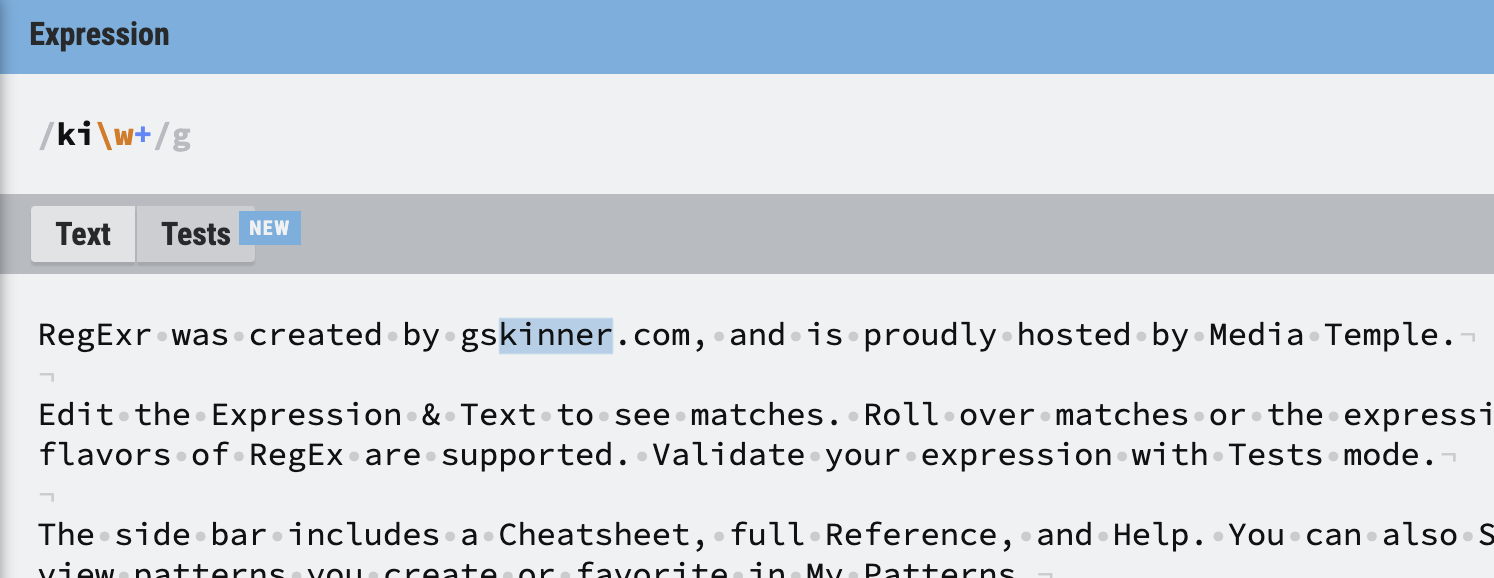
regex에 대해서 더 공부하고 싶거나 test 하고 싶다면, regexr.com에서 공부.